
Placing Orders
Complete orders by scanning QR codes at pharmacies and collect receipts
Find MedKhata Pharmacies
How to Find
- • Look for MedKhata pharmacies in your area
- • Pharmacies will have MedKhata logo/sticker
- • Ask the pharmacist
- • Check "Nearby Pharmacies" in app
Benefits
- • Fast order processing
- • Correct medicine guarantee
- • Get digital receipts
- • Easy returns/exchanges
Scanning QR Code
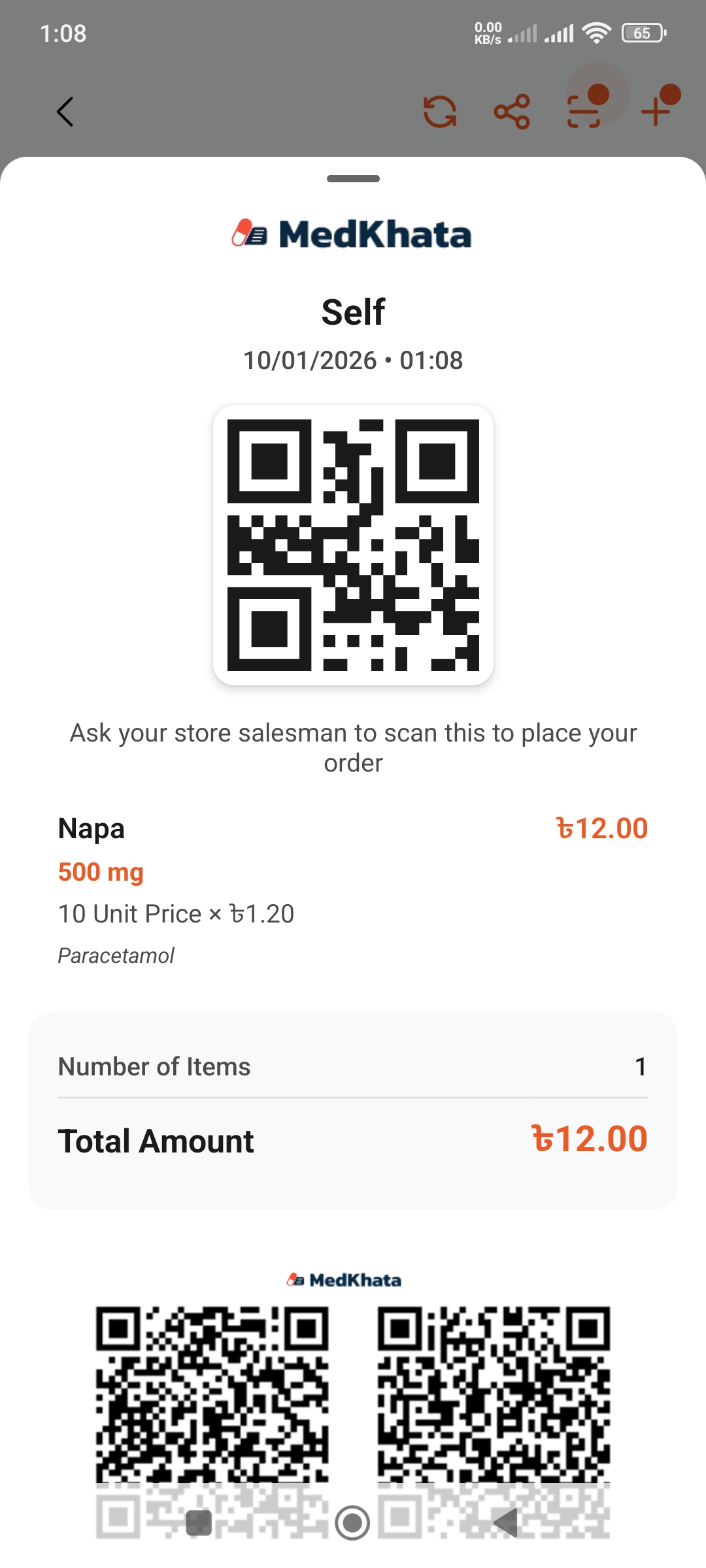
Order List
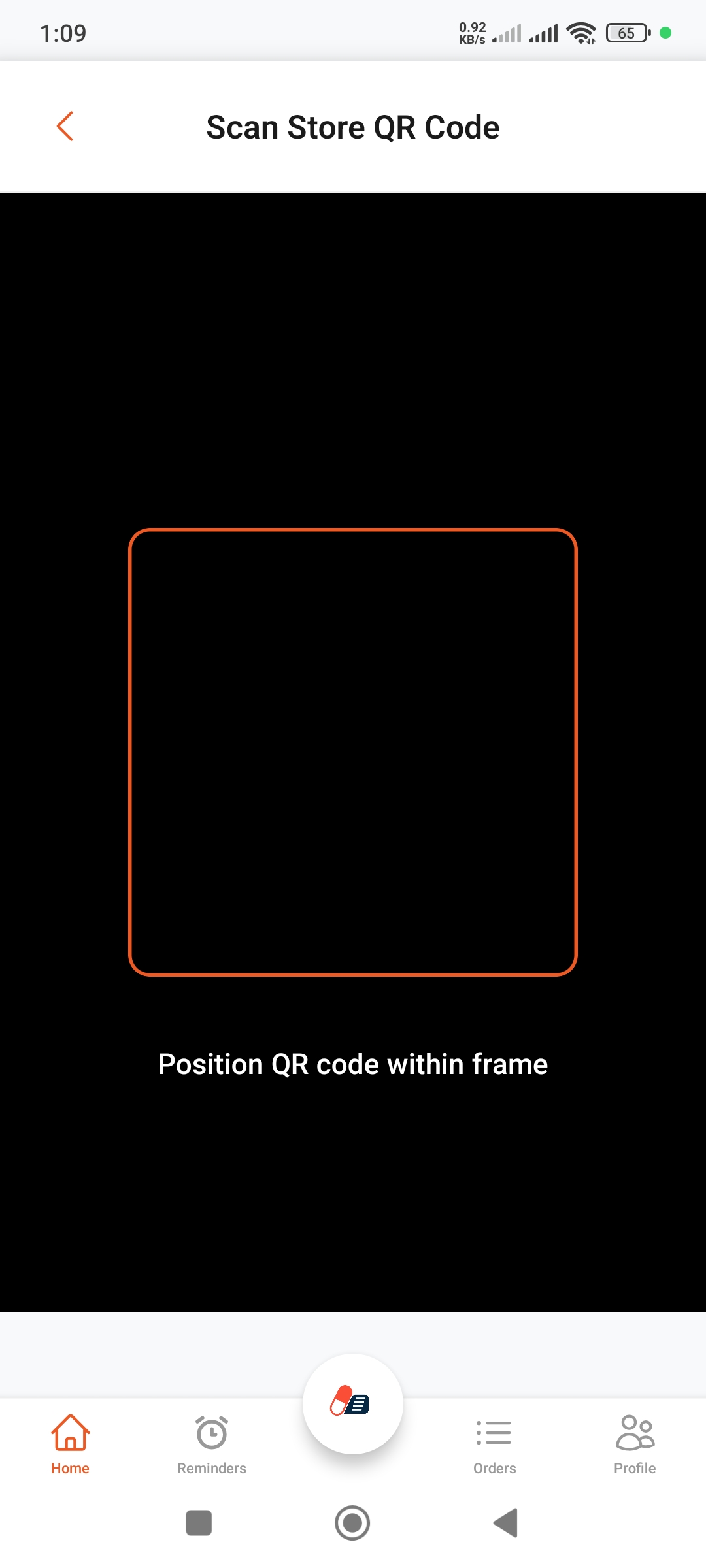
QR Scanner
Scanning Steps
- Go to your list
- Tap the "Place Order" button
- Camera will open
- Scan the pharmacy's QR code
- Order will be sent
Scanning Tips
- • Scan in good lighting
- • Keep QR code in focus
- • Don't hold too close or too far
- • Keep steady
Order Confirmation
Order Details
After sending order, pharmacist will see:
- • Your name and phone number
- • List of medicines
- • Quantity for each medicine
- • Status (Active items)
What Happens at Pharmacy
- Pharmacist receives order
- They will organize medicines
- Check quantities
- Call you if needed
- Prepare bill
Collecting Medicines
Collection Steps
- Go to pharmacy
- Give your name or phone number
- Check medicines
- Review bill and pay
- Get digital receipt
✓ Important Checklist
- • Verify you received correct medicines
- • Match brand names
- • Check quantities are correct
- • Check expiry dates
- • Match with bill
Payment & Receipt
Digital Receipt
- • Pharmacist will send receipt via app
- • You'll get notification
- Can share the receipt
- Saved for future reference
Payment Methods
- • Cash
- • bKash/Nagad (Mobile Banking)
- • Card
- • As per pharmacy policy