
Settings & Users
Manage users, access codes, and profile settings
Settings & Options
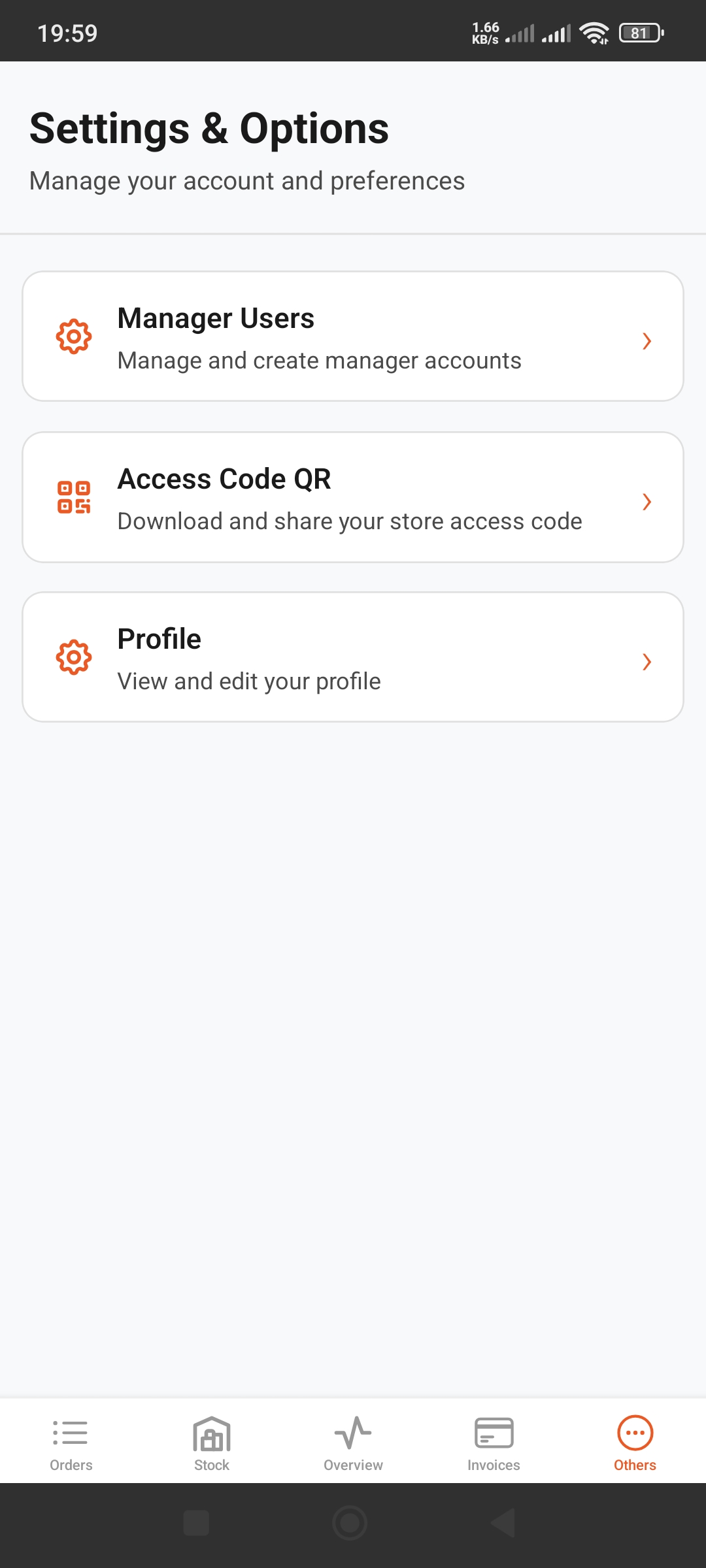
Main Settings Options
Three main options available from Others tab:
- 1Manage Users:
Create and manage manager accounts
- 2Access Code QR:
Download and share store access QR code
- 3Profile:
View and edit your profile
Creating Manager Users
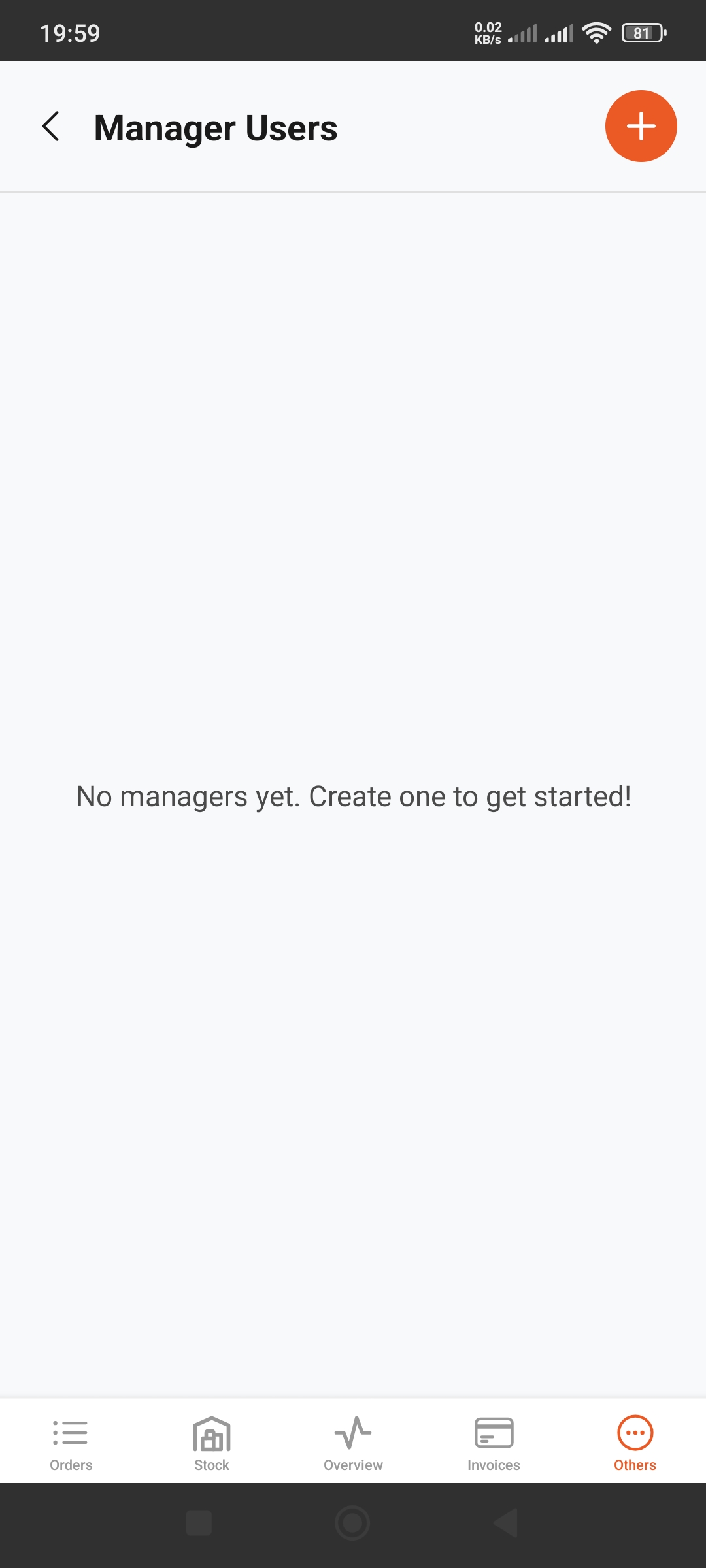
Manager Users List
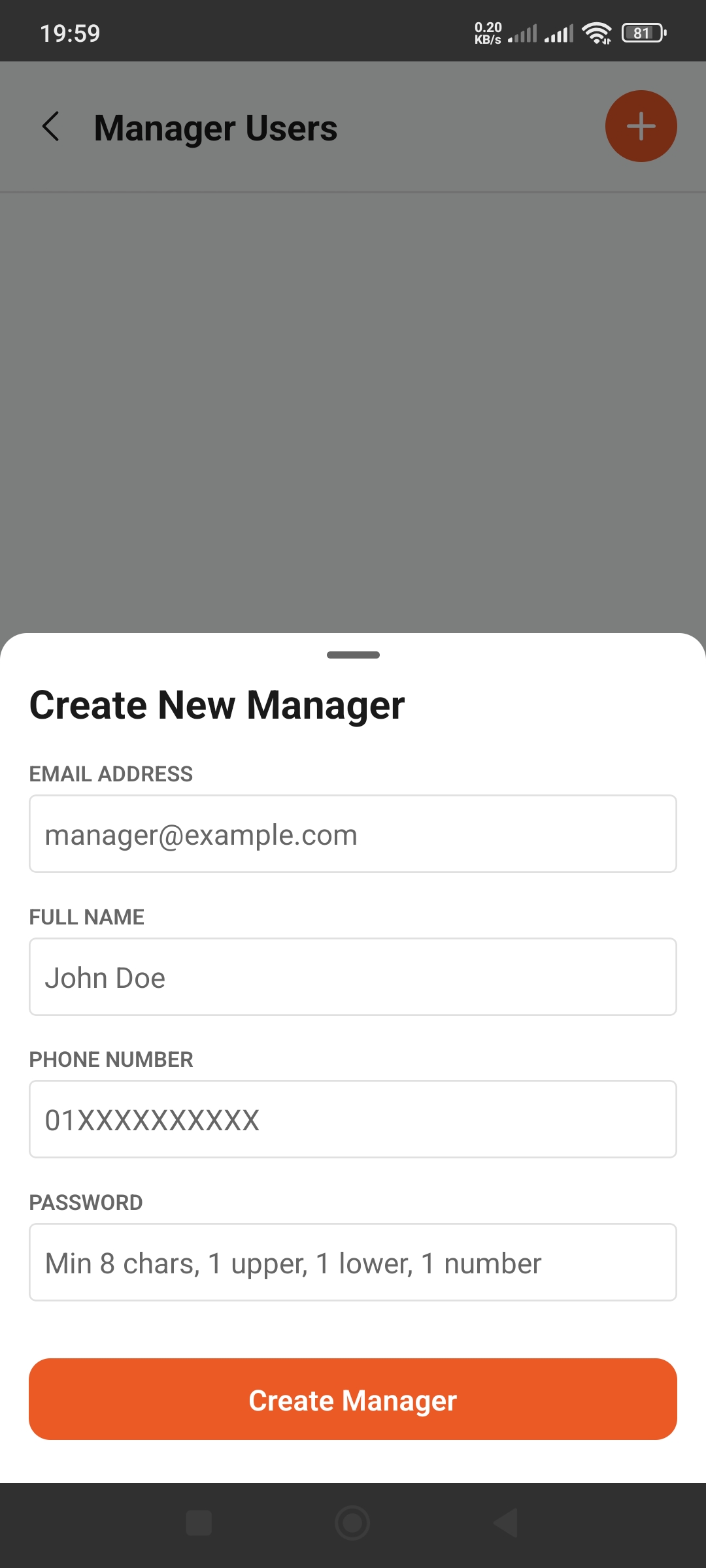
Create Manager Form
Create New Manager
- Select "Manage Users"
- Tap the + (plus) button
- Fill in the form:
- • Email Address: Manager's email
- • Full Name: Full name
- • Phone Number: Phone number (01XXXXXXXXX)
- • Password: Secure password (min 8 chars, 1 upper, 1 lower, 1 number)
4. Tap "Create Manager" button
Manager Benefits
- • Manage store with multiple users
- • Delegate roles and responsibilities
- • Secure access control
Access Code QR
Using QR Code
- •A unique QR code will be generated for your store
- •Download the QR code
- •Share with staff so they can login
- •Print and display at your store
Security Tips
- • Only share with authorized personnel
- • Change passwords regularly
- • Revoke access when staff leave